

Payment statuses
What Pending, Settled, and other statuses mean for a payment you submitted.
Every payment you submit through the Payments portal has a status that tells you where it is in its lifecycle. This page covers each status from the payer's point of view.
Pending
You submitted the payment, and the portal is waiting for funds to confirm.
For card payments, Pending is brief. Cards usually authorize within seconds and the status moves to Settled almost immediately.
For ACH payments, Pending lasts 1 to 3 business days while the bank-to-bank transfer clears through the ACH network. This is the standard ACH timeline; it is not specific to Drypowder.
You do not need to do anything while a payment is Pending. The portal updates the status automatically once the transfer clears.
Settled
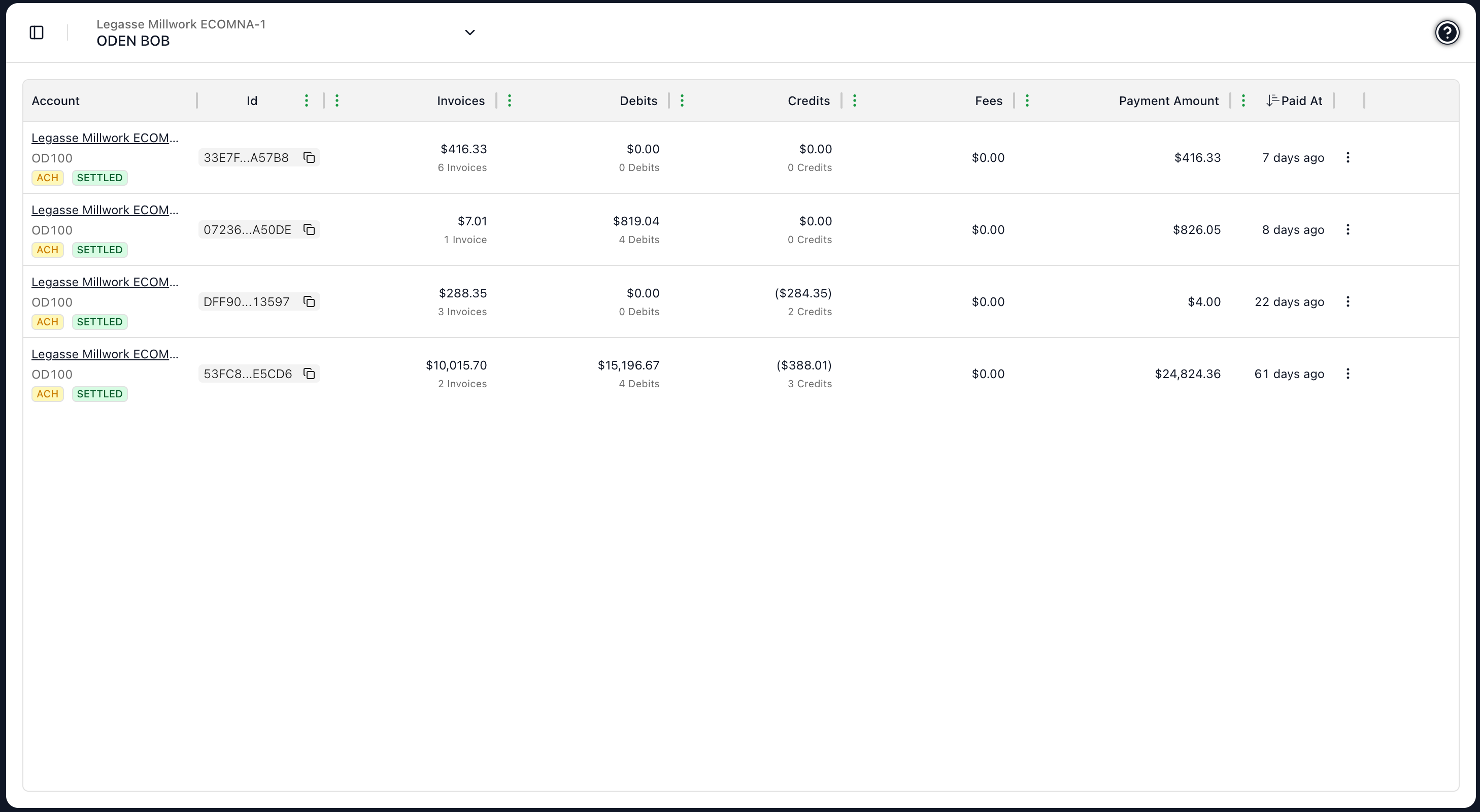
The payment has cleared and the funds have moved. From your perspective, the payment is done; the invoices you paid against will be reflected on your dealer's books shortly.
Frozen
Your dealer has flagged the payment for review. This is uncommon and usually means there is something the AR team wants to verify before the payment processes (for example, an unexpected amount). A Frozen payment will not clear until your dealer releases it.
If a payment shows as Frozen and you do not know why, contact your dealer. They can tell you what they are reviewing and how to resolve it.
Terminated
The payment has been rejected and will not process. Your balance is unchanged, and the funds were never moved. You can submit a new payment if you intended to pay.
Receipts and when to worry
A receipt is emailed to the address you registered with once a payment is submitted, and you can always re-download one from the Payments tab in Records. If you do not see the email, check your spam folder, then rely on the portal, which is the source of truth.
ACH payments are expected to sit in Pending for 1 to 3 business days. If a payment is still Pending well beyond that window, or you see a status you do not understand, contact your dealer — they can see the same payment on their side.
Canceling a Pending payment
While a payment is still Pending, you can cancel it yourself from your Payments history using the Cancel action and confirming in the dialog. Once a payment has settled, it can no longer be canceled.
Status summary
| Status | Funds moved? | What to do |
|---|---|---|
| Pending | Not yet | Wait — usually 1 to 3 business days for ACH, near-instant for card |
| Settled | Yes | Nothing — the payment is done |
| Frozen | Depends | Contact your dealer to find out what they are reviewing |
| Terminated | No | Submit a new payment if you still intended to pay |
Related
- Payment methods — Why ACH takes a few days and cards do not.
- Pay an invoice — Submitting a payment.